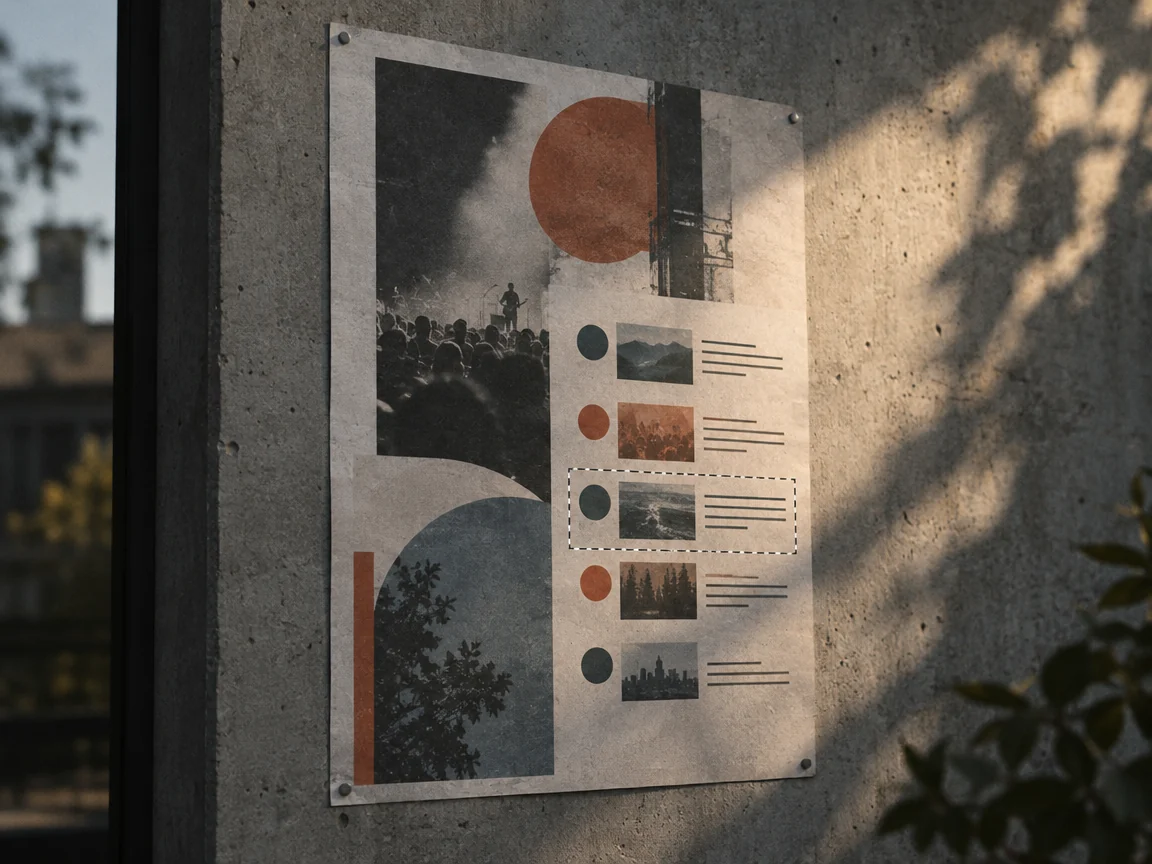
How to change the date in an image
Change a date on a poster, ticket, or schedule when only the exported image is left, then check the month, weekday, and surrounding copy.
Change a date on a poster, ticket, or schedule when only the exported image is left, then check the month, weekday, and surrounding copy.
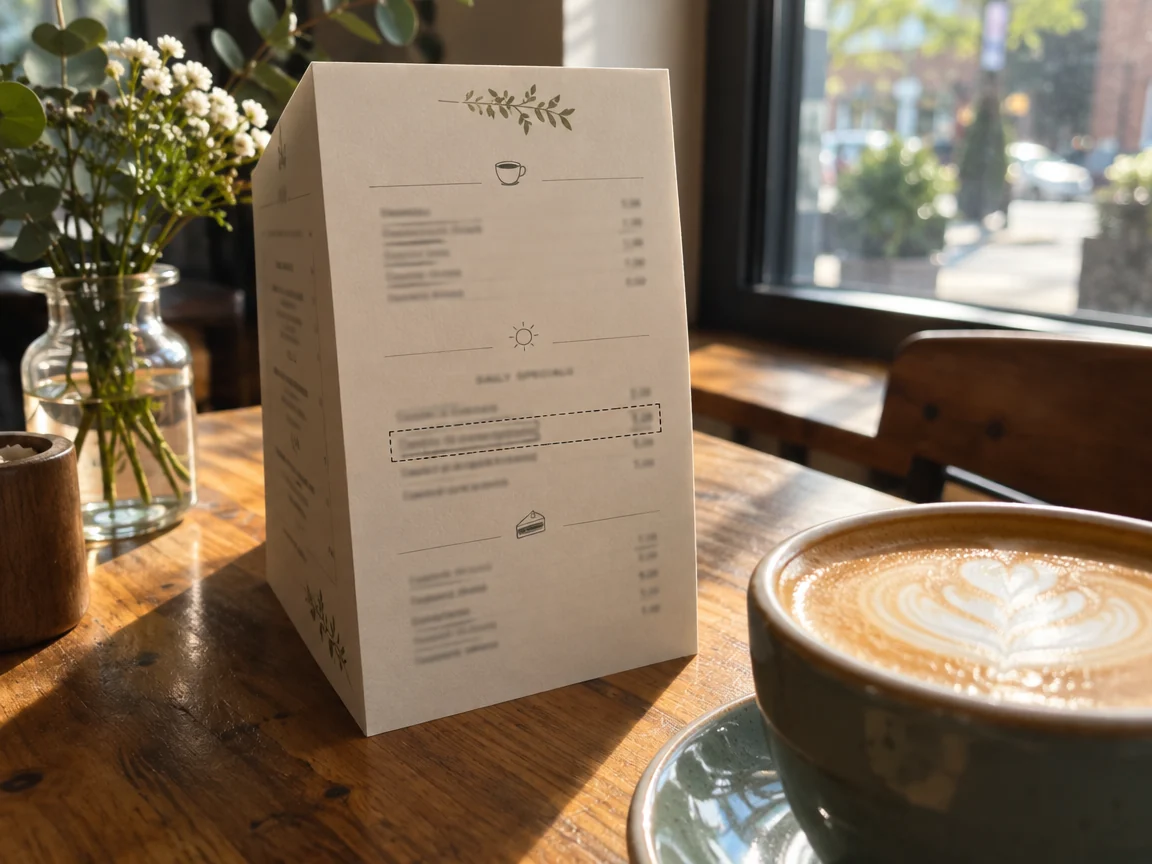
Change a dish name, price, or daily special on a menu photo or screenshot, then check the currency, decimals, and columns around the edit.
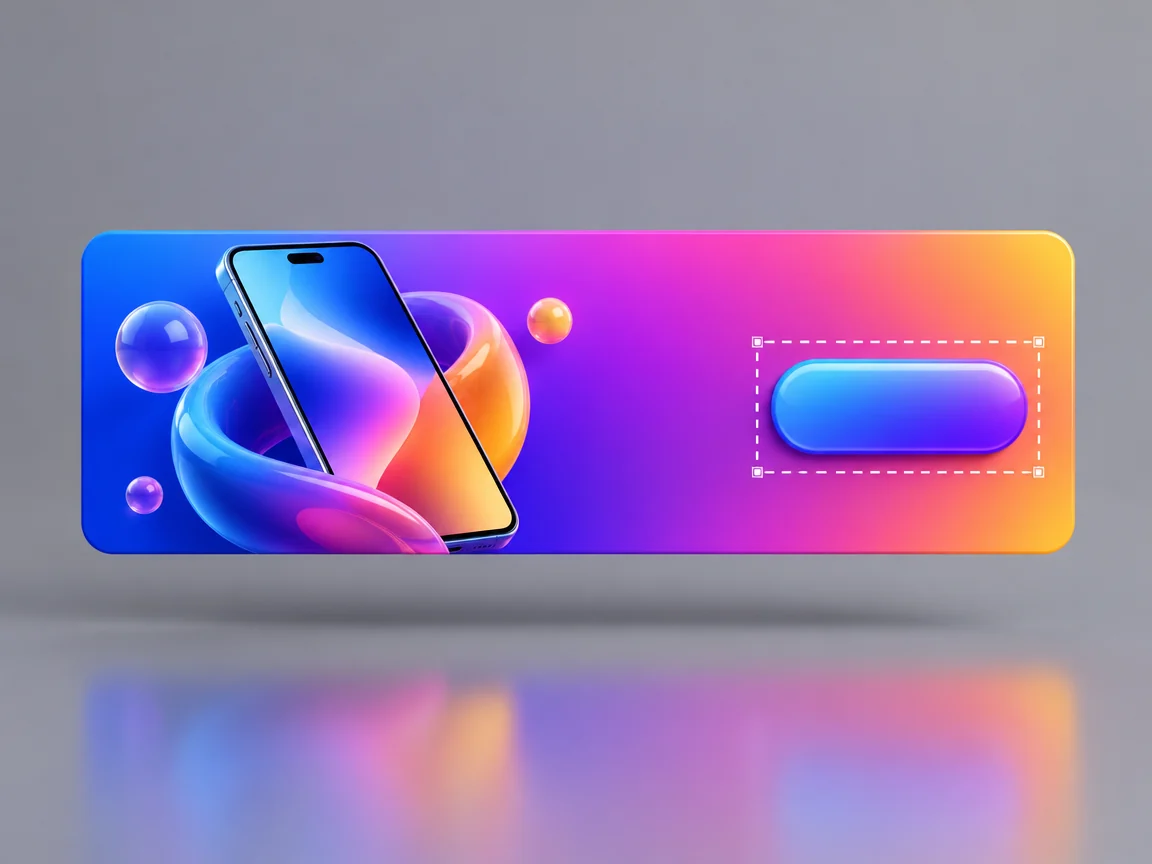
Update a headline, discount, or call to action in a finished banner ad while keeping the layout, colors, and imagery.

Change a title, episode number, or year on a YouTube or social thumbnail without touching the subject or background.
Select a HEIC or HEIF photo from your iPhone, mark the words on a menu or sign, and replace them. Export a JPEG or PNG if the original won’t open.
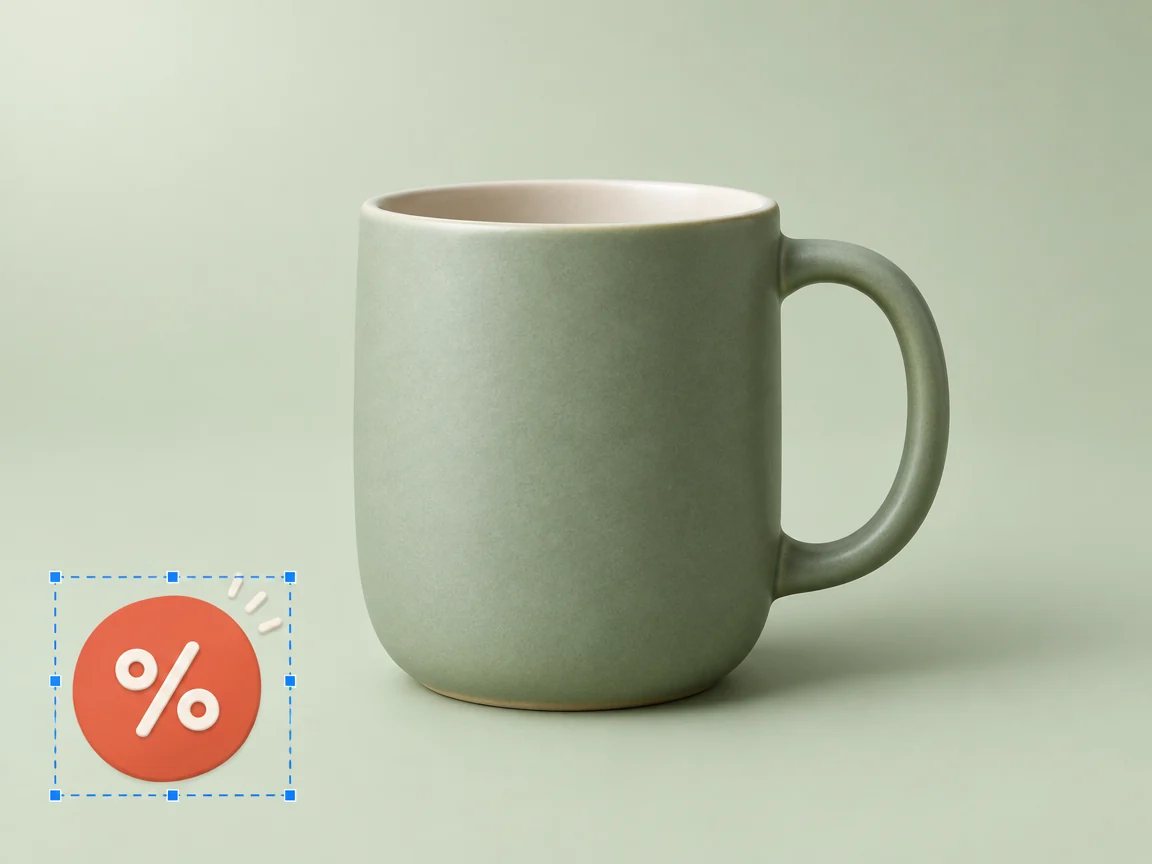
Update a sale badge on an existing WebP product image, check the small print, and convert the finished file to WebP if your storefront requires it.
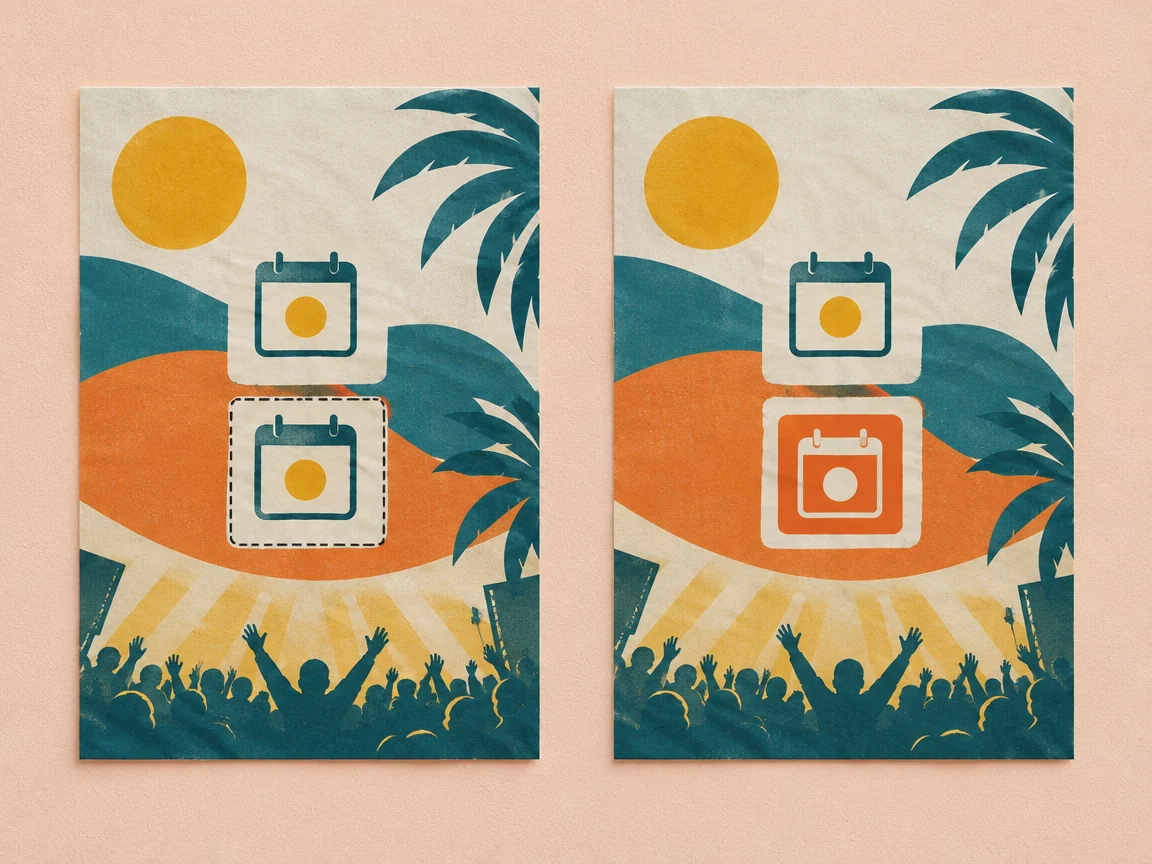
If the same date appears twice on a poster, select the one you want to update, enter the new wording, and check both dates before downloading.
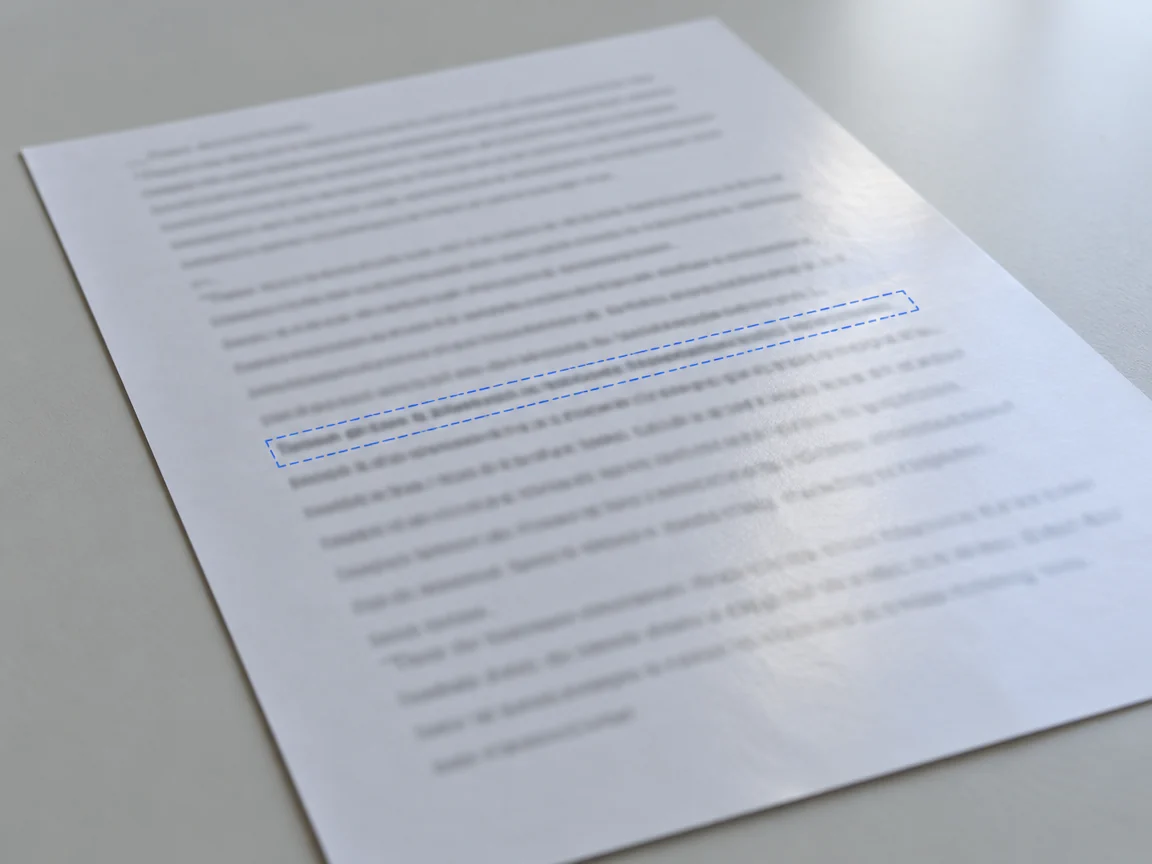
Edit text in an exported JPG or PNG without Photoshop. Learn when to replace every match, when to select one region, and what to check before downloading.
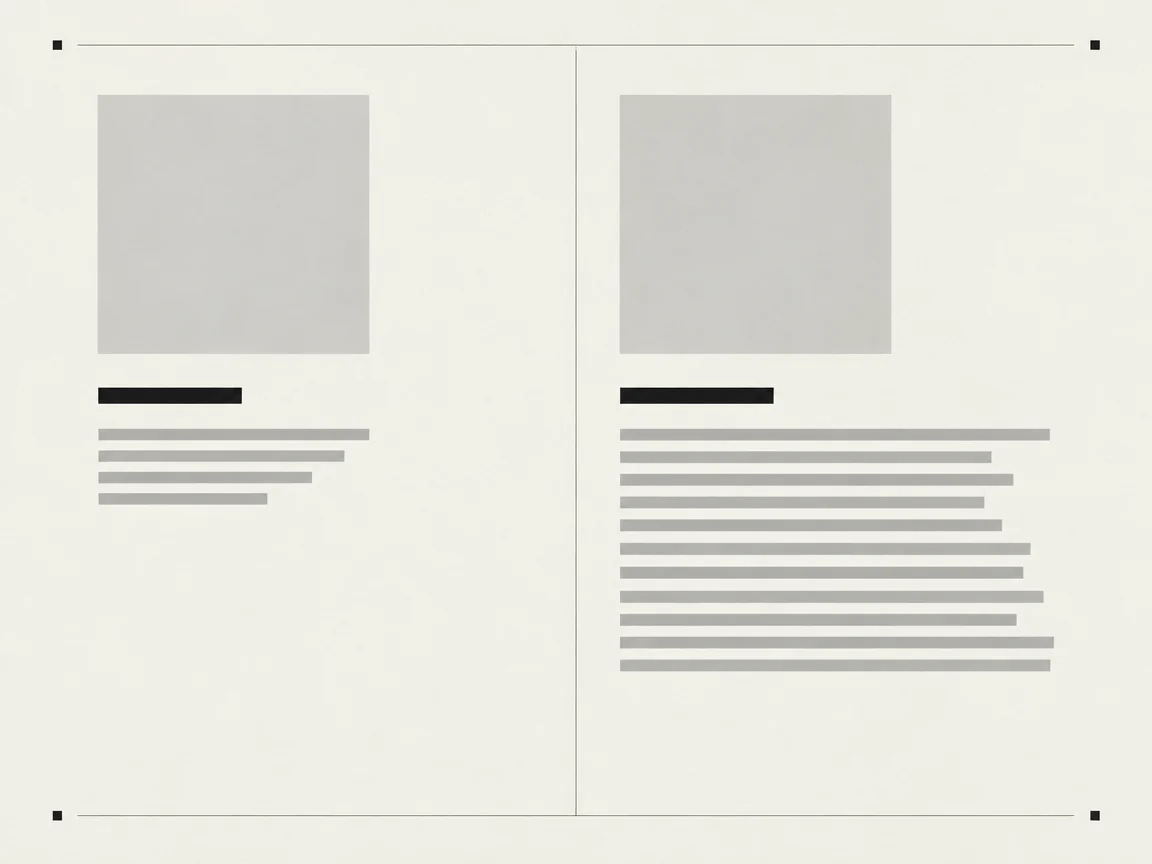
Plan a line break, keep the surrounding words visible, and catch squeezed or clipped text before downloading.

Fix a misspelled headline, gibberish on a sign, or a broken label by selecting the affected text and checking the edit against the original.
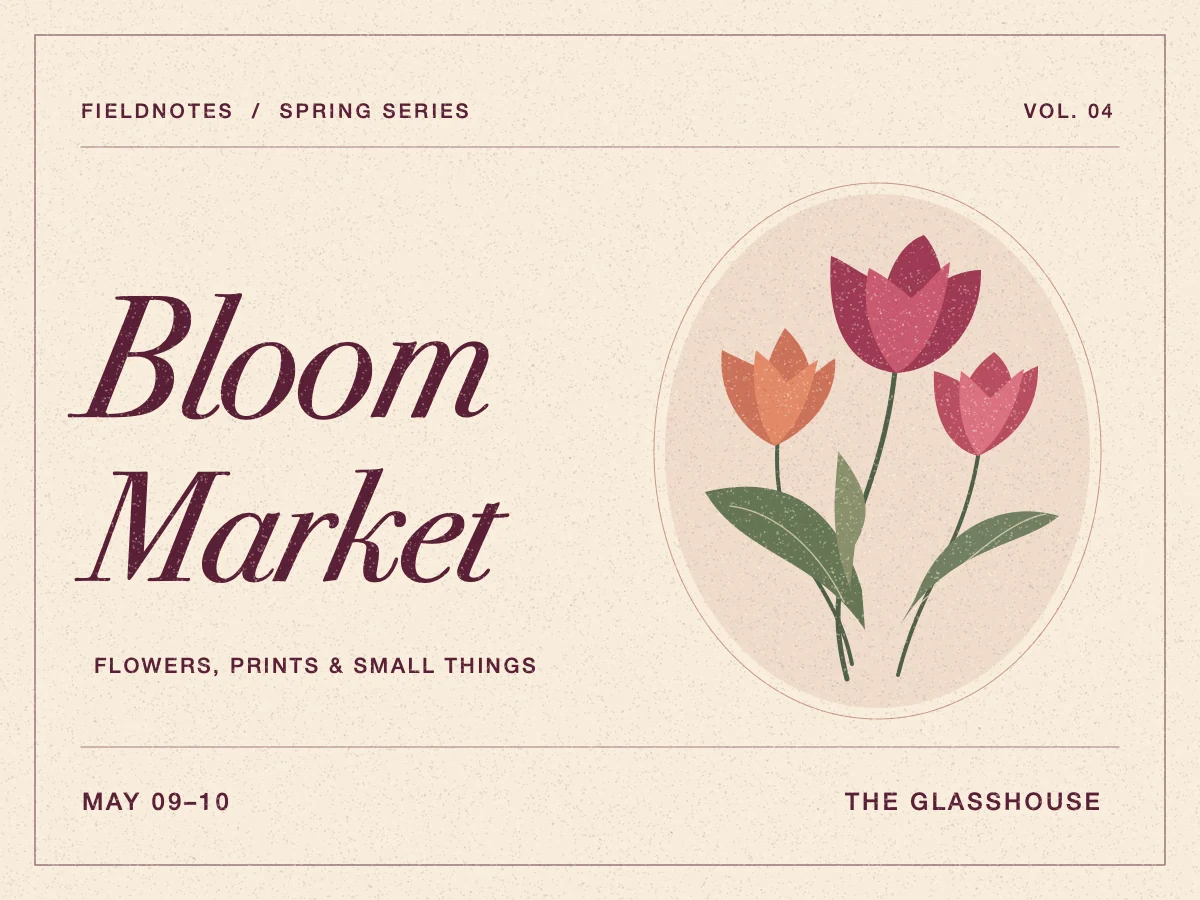
Match the visible letter shapes, spacing, color, and effects when replacing text in a poster, label, or finished graphic.
Swap a caption on a finished meme, keep its placement and outline, and check the result at phone size.
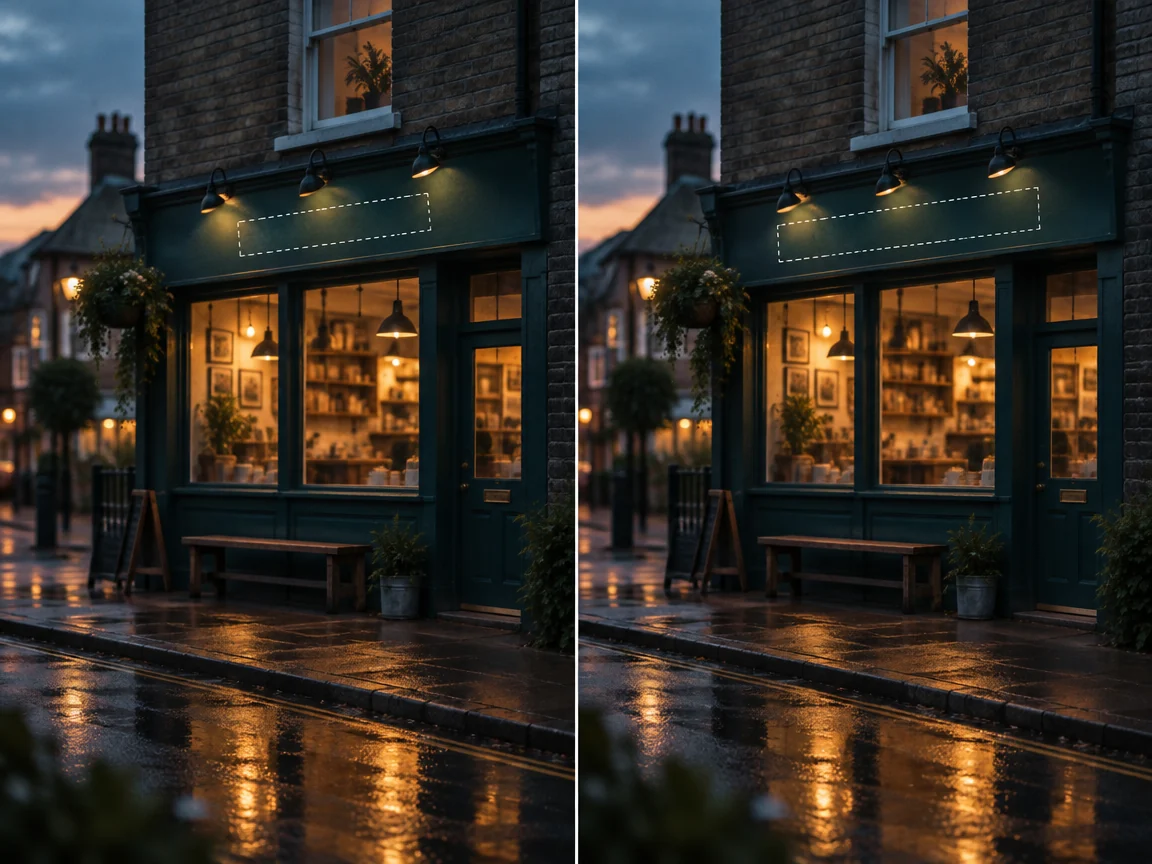
Change a shop name or opening hours on an existing sign photo, then check perspective, lighting, and edges so the result reads as a mockup rather than a rough retouch.
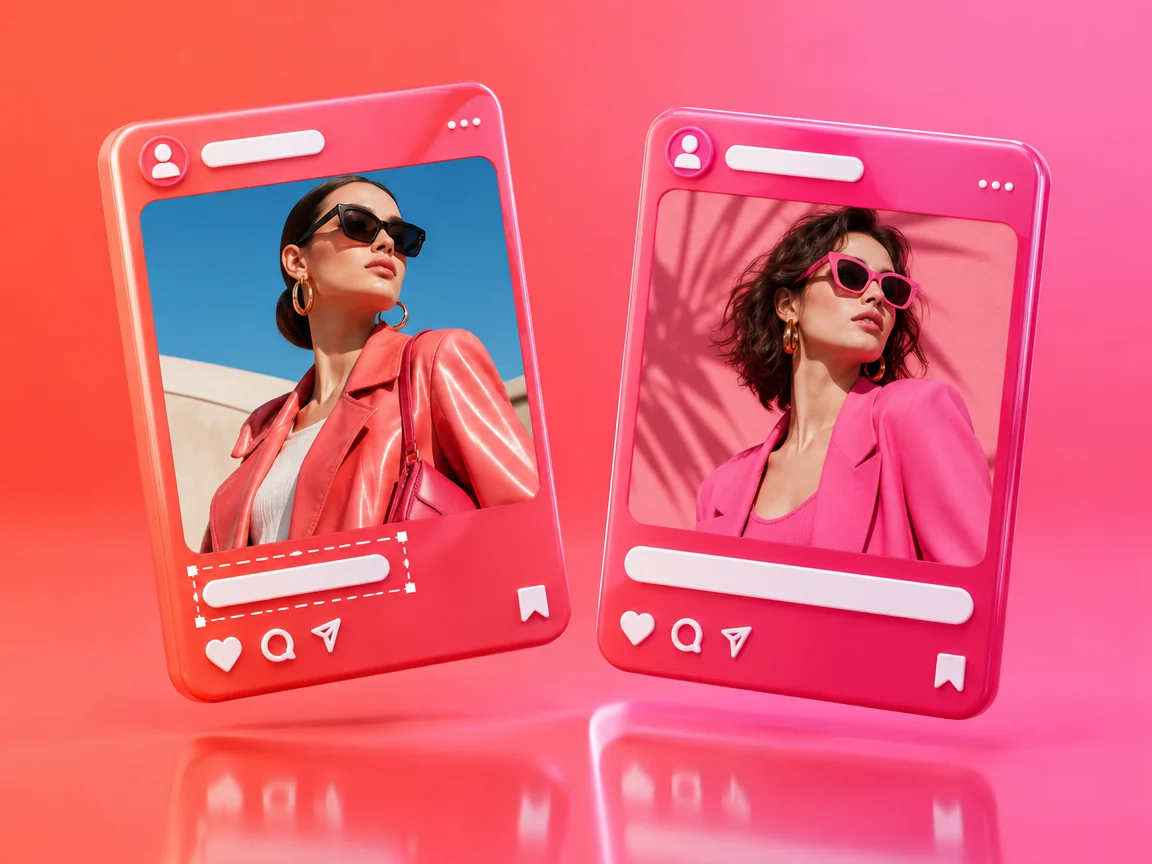
Fix a wrong date or label on a post image before publishing, and know the two options once it is already live.
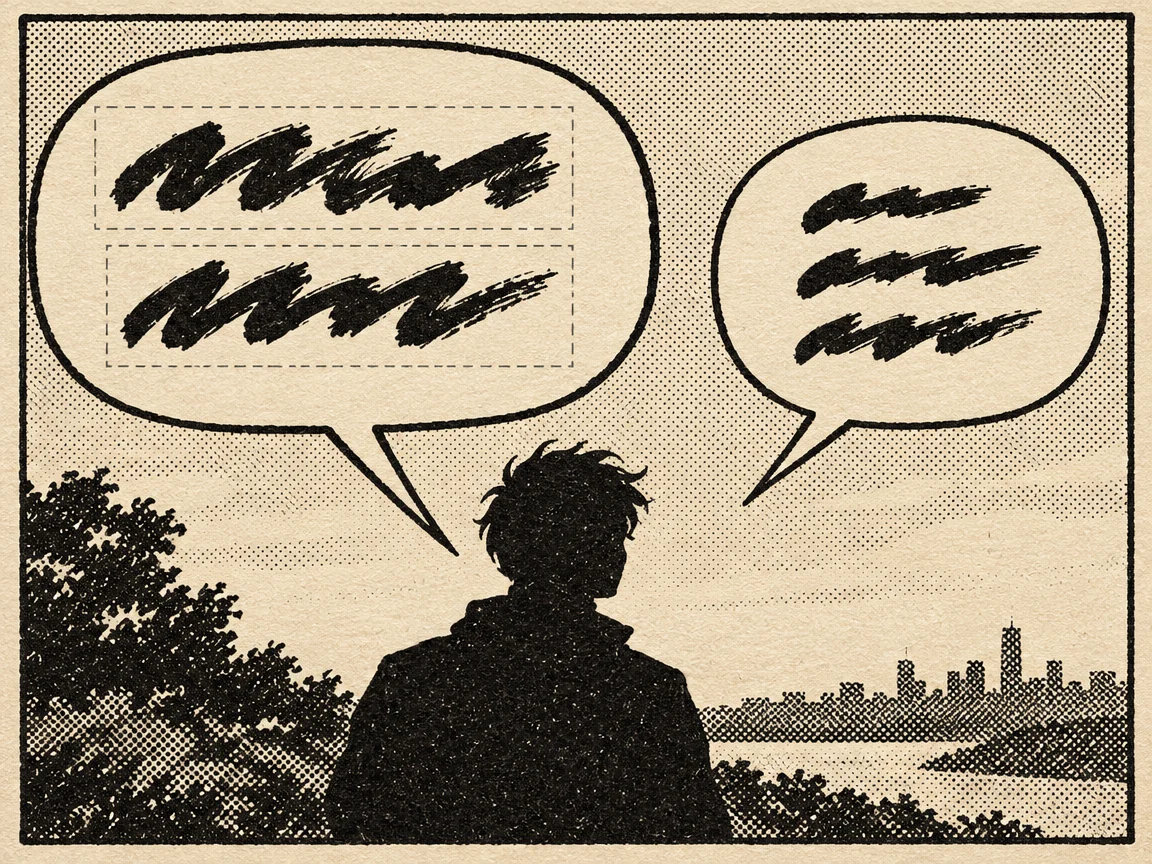
Replace a line inside an existing bubble while keeping the outline, the tail aimed at the speaker, and the rest of the panel untouched.
Update labels, legends, and values on an exported chart, and keep units, decimals, and the data behind it consistent.
Two questions decide it: do you still have the source file, and are you only changing text or also the layout?