How to change text in a banner ad
Update a headline, discount, or call to action in a finished banner ad while keeping the layout, colors, and imagery.
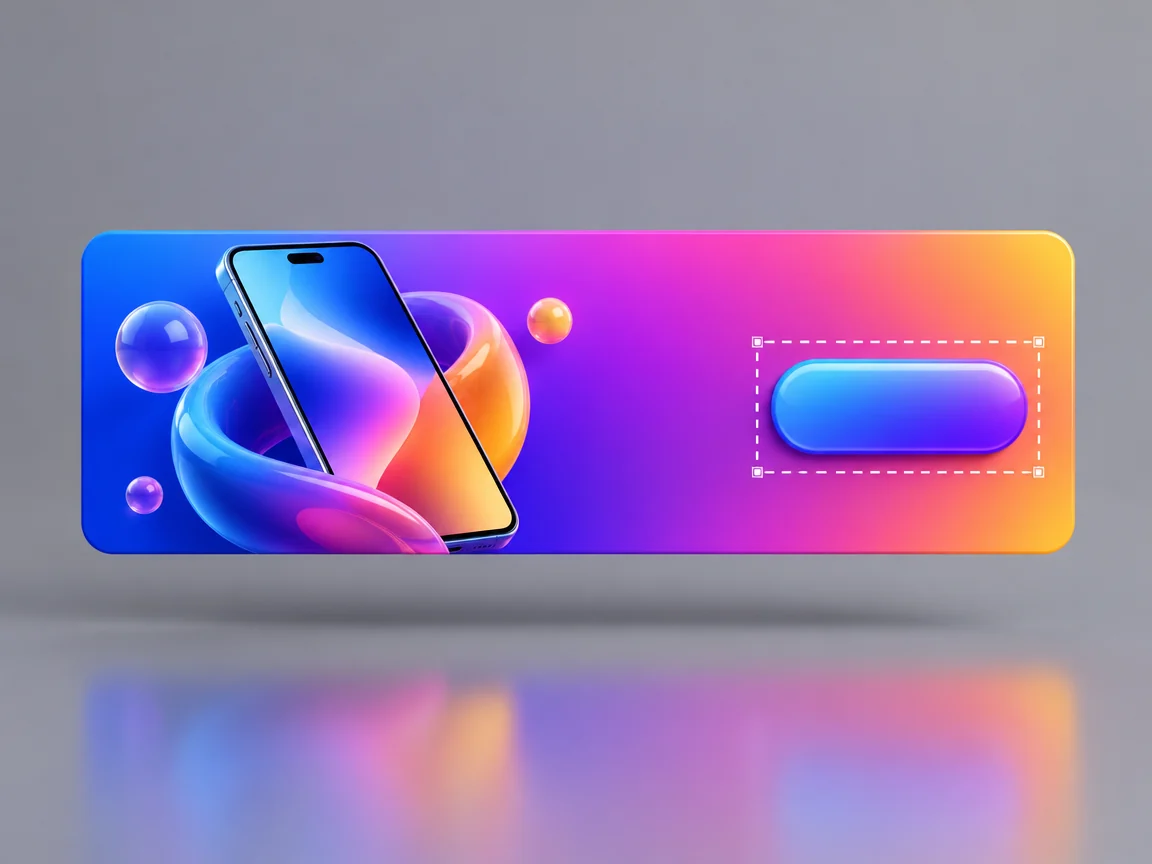
Write the new message first
Decide the exact headline, offer, and end date before opening the editor. Longer copy needs more space; a short, specific line is easier to fit into the original banner.
Select the headline or badge, not the whole banner
Keep the call to action, logo, product image, and legal copy outside the selection. If the discount appears twice, change both or select only the one that should move.
Check hierarchy and real display size
Compare the result at the size the banner will actually appear, not only zoomed in. The new text should keep the same visual priority as the original and remain readable on a phone.
Common questions
- Can I resize the banner at the same time?
- Vemlora edits text in the image; it does not reflow a layout into a different aspect ratio. Start from each finished size you need.
- Should I edit legal or disclaimer text?
- Only if you are allowed to change that wording. Review regulated claims with the responsible team before generating.