How to edit the text on a meme
Swap a caption on a finished meme, keep its placement and outline, and check the result at phone size.
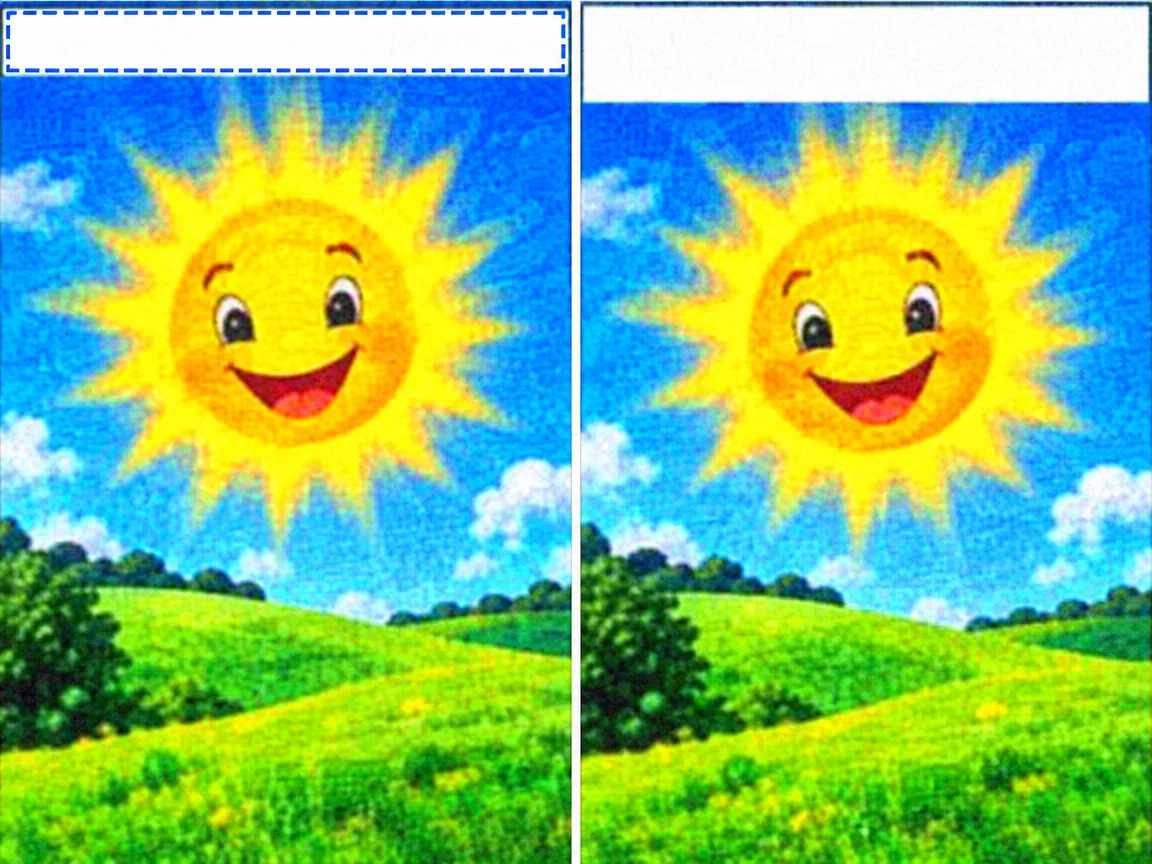
Start from the original file
A meme forwarded through a chat app or re-saved from a feed has already been compressed. Editing that copy looks softer still, so work from the original image whenever you have it.
Change one line at a time
Top and bottom captions go in separate regions, each with its own replacement. Putting both in one selection invites the editor to treat them as one paragraph, and the size and leading follow.
Keep the outline inside the selection
Memes usually use white type with a black edge. Let the box cover the letters and the outer stroke, or a trace of the old outline can survive the edit.
Check the rights before you post
Use a photo you took or a template that allows commercial use. Painting over someone else's watermark or pairing a real person's photo with abusive text breaks our acceptable use policy.
Common questions
- The new caption looks slightly different. Is that expected?
- Yes. The editor follows the original lettering closely but does not reproduce it exactly. Handwriting, sticker type, and gradient fills vary the most, so compare the result at its real size before posting.
- What if the new line is much longer?
- Shorten it, or split the change across two edits. A single long line has to fit the old width, so the letters compress or wrap in ways you cannot control.