Photoshop, Canva, or an online editor: which one?
Two questions decide it: do you still have the source file, and are you only changing text or also the layout?
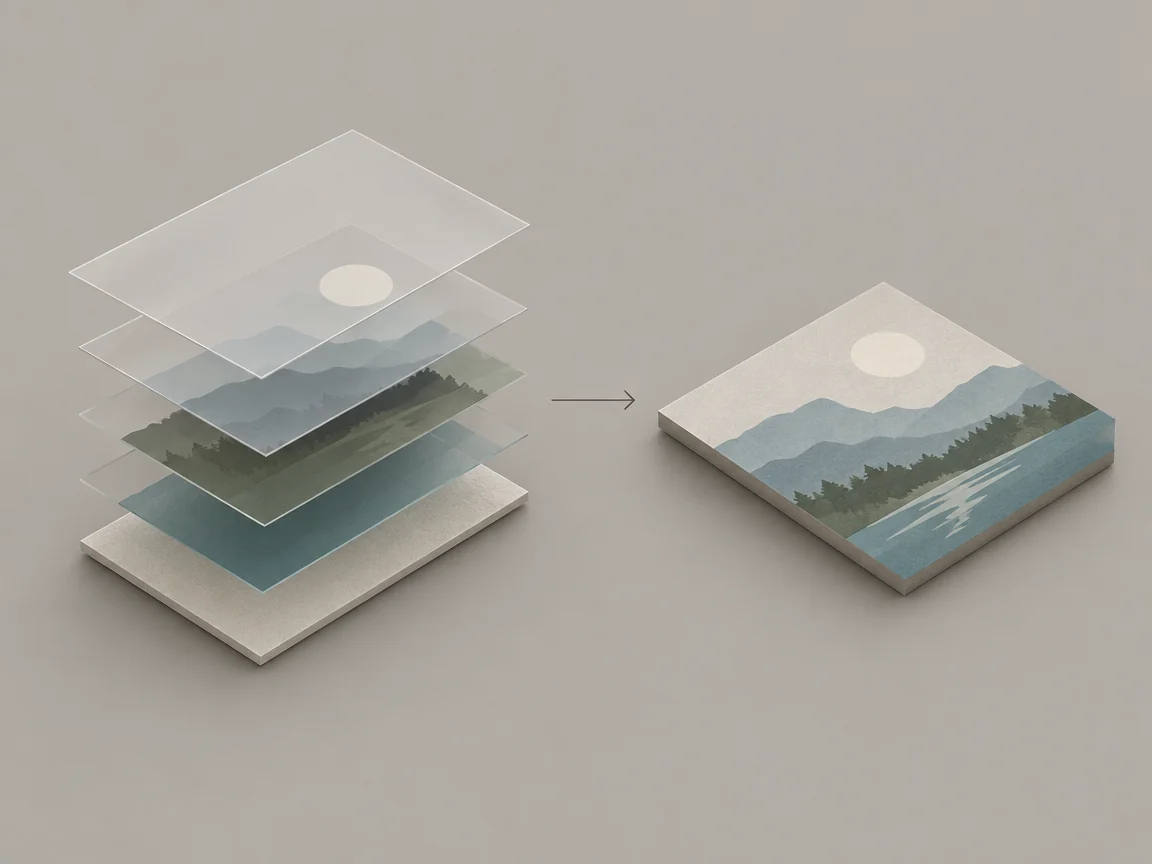
Two questions settle the tool
First: does the source file still exist, such as a PSD, AI, Figma, or Canva design? Second: is this a text change or a layout change? Cross the answers and the choice is usually obvious.
When the source file exists
Edit the source if the design will keep changing, needs a new size, or has to match a brand typeface. For a single date fix you can also edit the export, which avoids opening a heavy tool for one string.
When only the exported image is left
An online text editor works on the finished JPG, PNG, or WebP without reinstalling the layout. This is the case it was built for: short text changes on a design whose working file is gone.
What each option is bad at
Photoshop needs the source or a rebuild, Canva needs the design to still live in the account, and an online editor only changes text without reflowing to another ratio. It also uploads the image for processing, so keep ID documents, contracts, and customer lists out of it.
Common questions
- Can an online editor reflow the layout?
- No. It changes text in place and keeps the layout. A new aspect ratio or a moved block needs the source file or a redesign.
- Is it safe for ID documents or contracts?
- No. The image is uploaded to a server for processing, so keep identity papers, contracts, bank statements, and customer lists out of any online editor.