How to edit the dialogue in a comic speech bubble
Replace a line inside an existing bubble while keeping the outline, the tail aimed at the speaker, and the rest of the panel untouched.
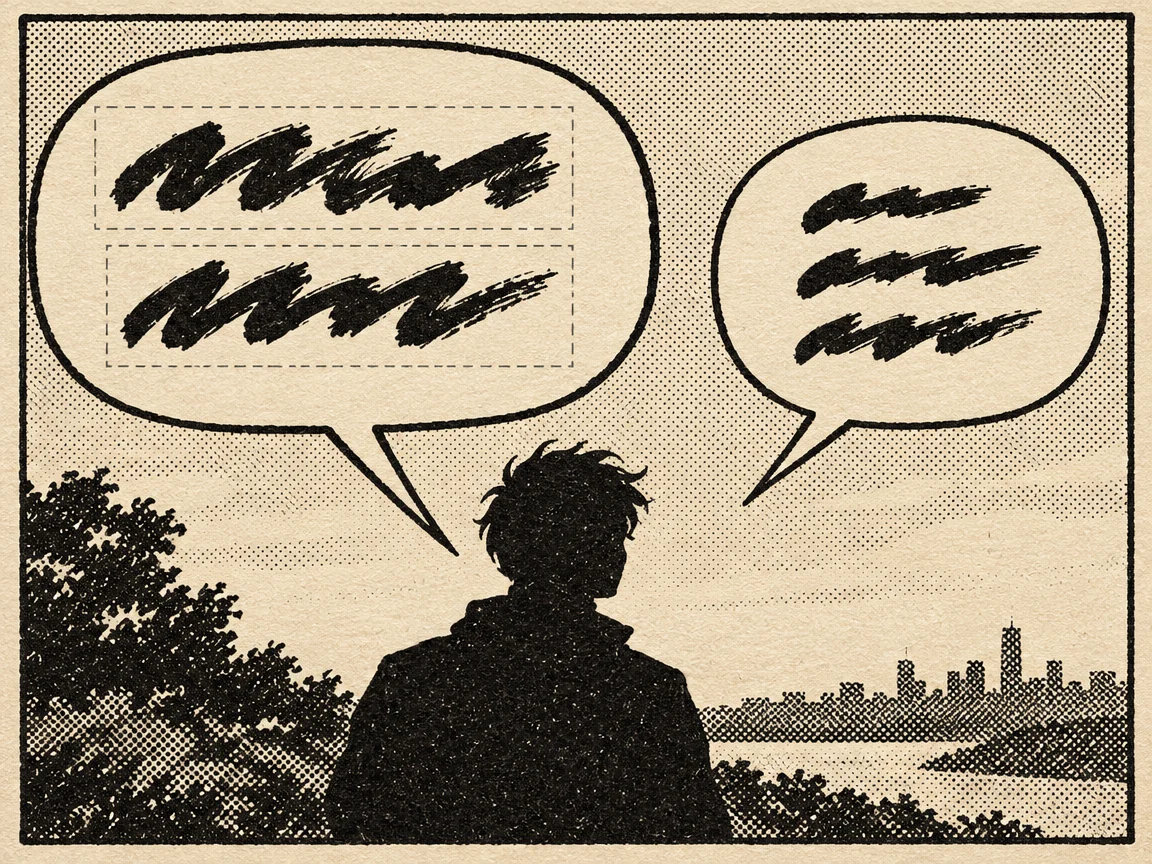
Check how much room the bubble has
The usable width comes from the padding inside the bubble, not from its outer edge. A longer line gets a shorter word, an abbreviation, or a break at a comma before it gets a smaller type size.
Box the letters, not the bubble
Keep the selection tight to the type and leave the outline and screentone outside. A region that includes the edge can repaint it thicker or break the line.
Watch breaks and punctuation
Break lines at a comma or the end of the sentence, never inside a phrase. Keep the exclamation or question mark: dropping one changes how the same line lands.
Leave other creators' credits alone
Editing your own page is fine. Changing another creator's credit, watermark, or copyright notice is not acceptable, whether or not the result is commercial.
Common questions
- What if the new line is longer than the bubble?
- Shorten it or split the change over two edits. Shrinking the type breaks the page's type scale and readers notice it immediately.
- The bubble outline looks thicker after the edit. Why?
- The region probably included the edge, so the editor repainted it. Redo the edit with a tighter selection that stops just inside the outline.