How to edit text in a menu photo
Change a dish name, price, or daily special on a menu photo or screenshot, then check the currency, decimals, and columns around the edit.
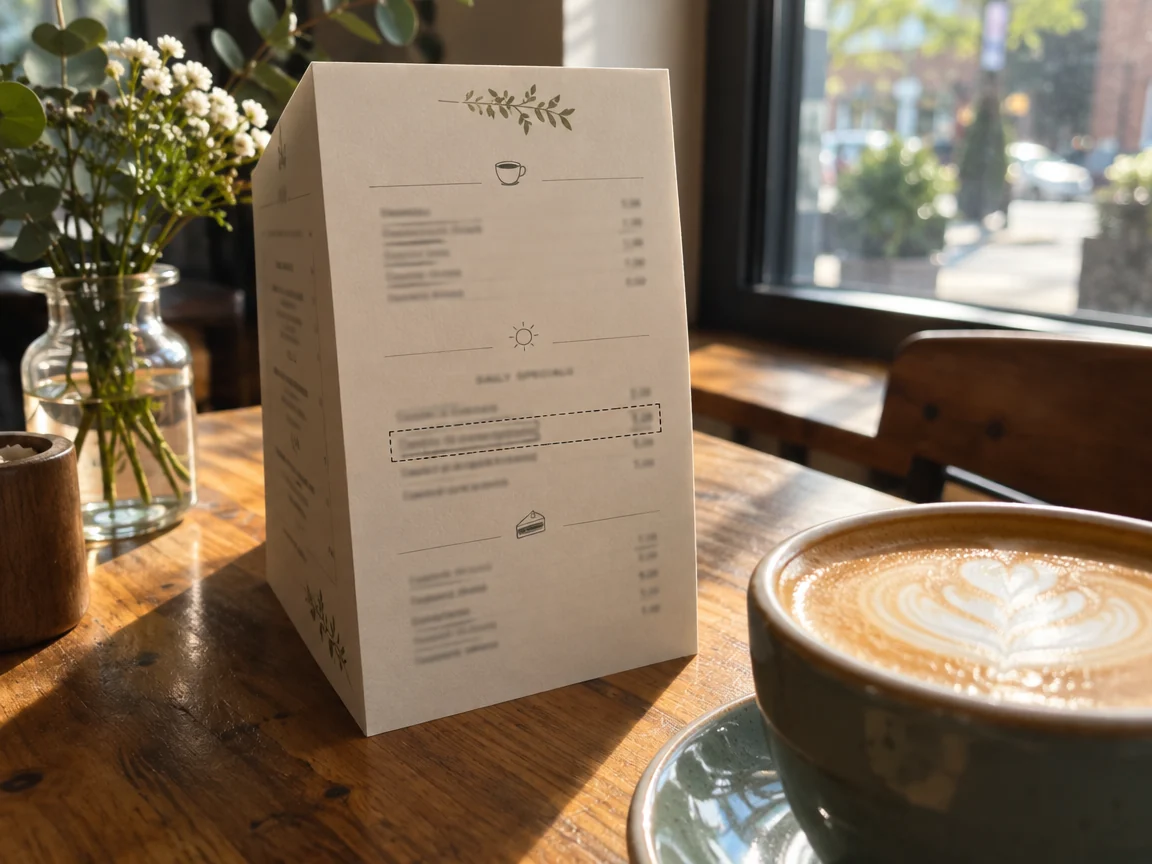
Start with a sharp, glare-free photo
Menu photos are often taken at an angle under warm light. Pick the sharpest frame where the line you need is readable, and keep the original as a backup.
Select one line and keep prices outside the box
Draw a box around the dish name or the price you want to change, not the whole row. Keeping adjacent prices and descriptions outside the selection makes accidental changes easier to spot.
Check currency, decimals, and columns
Match the currency symbol and decimal style used elsewhere on the menu. If prices are aligned in a column, compare the new number with the rows above and below before downloading.
Common questions
- Can I edit an angled menu photo?
- Yes, but check that the new text follows the same angle and perspective as the line around it.
- What if the menu has very small print?
- Zoom in before generating and check the label at 100%. If the source is too blurry, retaking the photo is usually faster than repeated edits.