How to edit the text on a sign photo
Change a shop name or opening hours on an existing sign photo, then check perspective, lighting, and edges so the result reads as a mockup rather than a rough retouch.
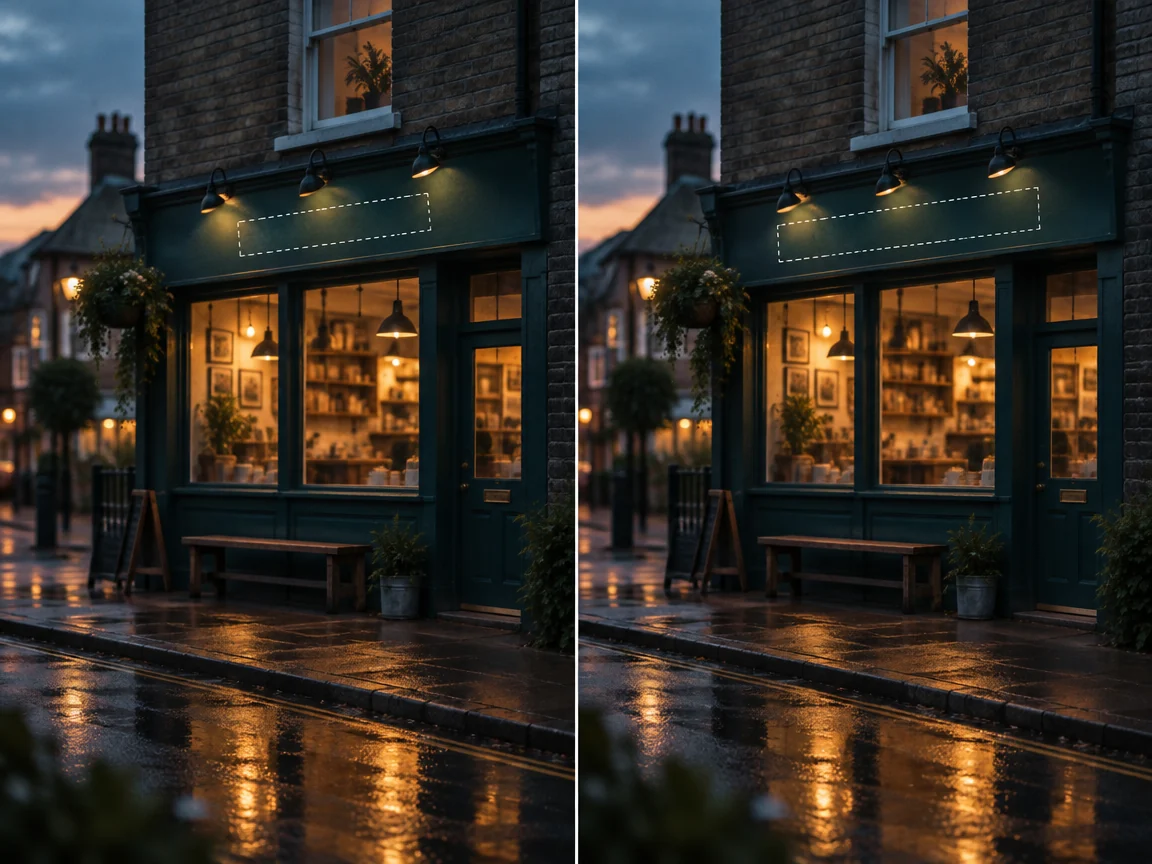
Pick a front-on photo with little glare
A shot taken from the side gives the lettering strong perspective, so the type is larger at one end. Start from a front-on photo at 2000 pixels or more on the long edge, and avoid frames where the letters sit inside a hot spot.
Rectangles for flat lettering, brush for curves
A short shop name on a flat board can go in one rectangle. Letters on a light box or a roller shutter curve, and a rectangle drags in background, so follow the strokes with the brush and keep the region tight.
Check the light direction
Compare the brightness of the new letters with the wall around them. Evening shots and side lighting show a mismatch first, so inspect the area at 100% and redo it with a tighter region if the edit leaves seams.
Label it as a mockup
An edited storefront looks a lot like a real one. In proposals and renovation comparisons, caption it as a mockup and get permission before using another business's name, trademark, or photo. Presenting it as a real location misleads customers and breaks our acceptable use policy.
Common questions
- Can I publish an edited storefront as a real photo?
- No. Presenting a mockup as a photograph misleads customers about a place that does not exist as shown. Use it as a proposal visual with a clear caption, or photograph the finished sign.
- What should I check before using another shop's photo?
- Get permission for the photo and for the name or trademark you plan to show, and keep the mockup labeled. Renovation and proposal work usually needs the owner's approval, even when the image is only internal.