Edit text on a poster or flyer
Update a date, venue, or event name on an existing poster, even when all you have is an exported JPG or PNG.
How to make the edit
Open the exported poster
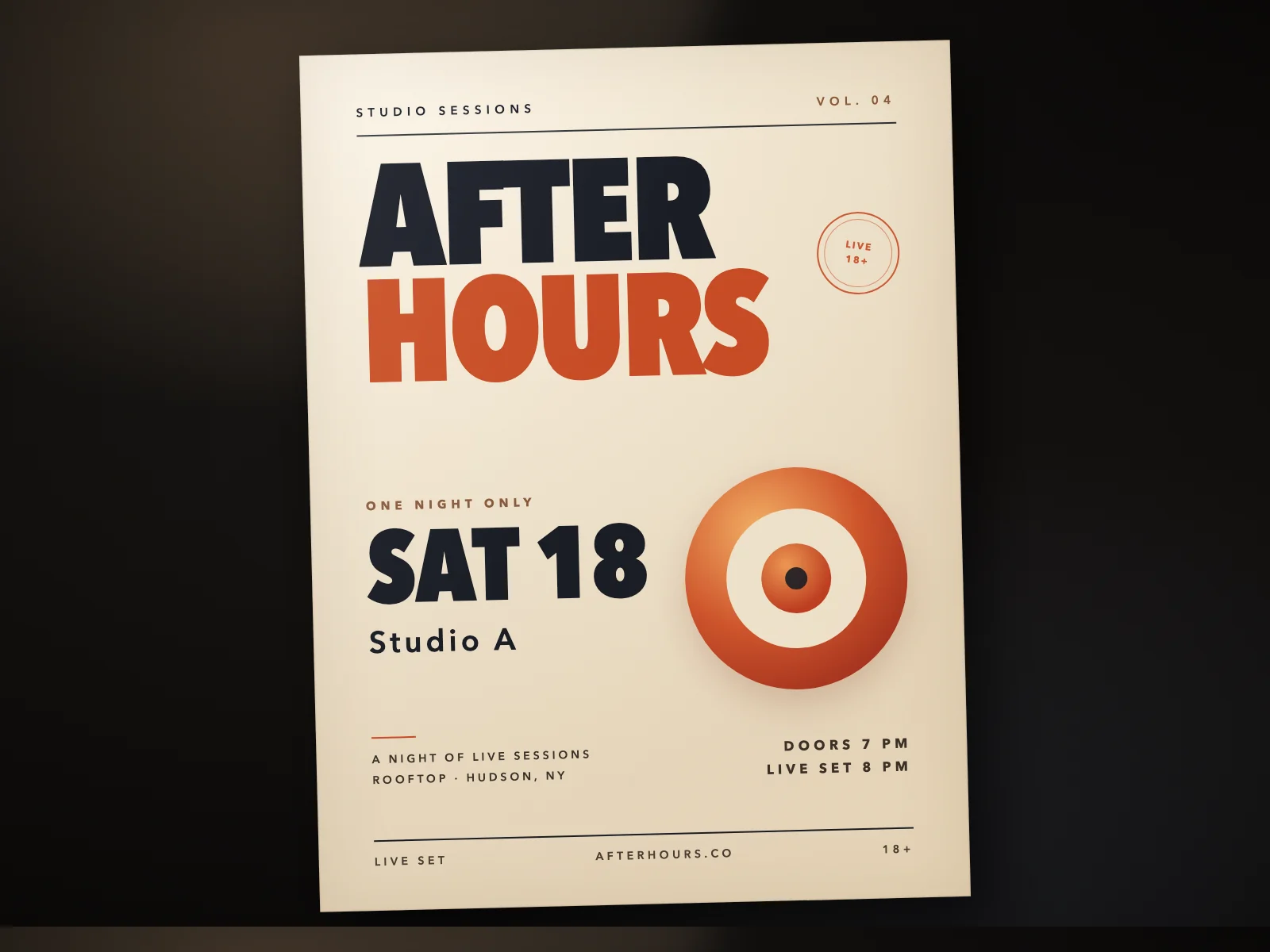
Upload the JPG or PNG you plan to share, or start with the sample poster.
Replace the date
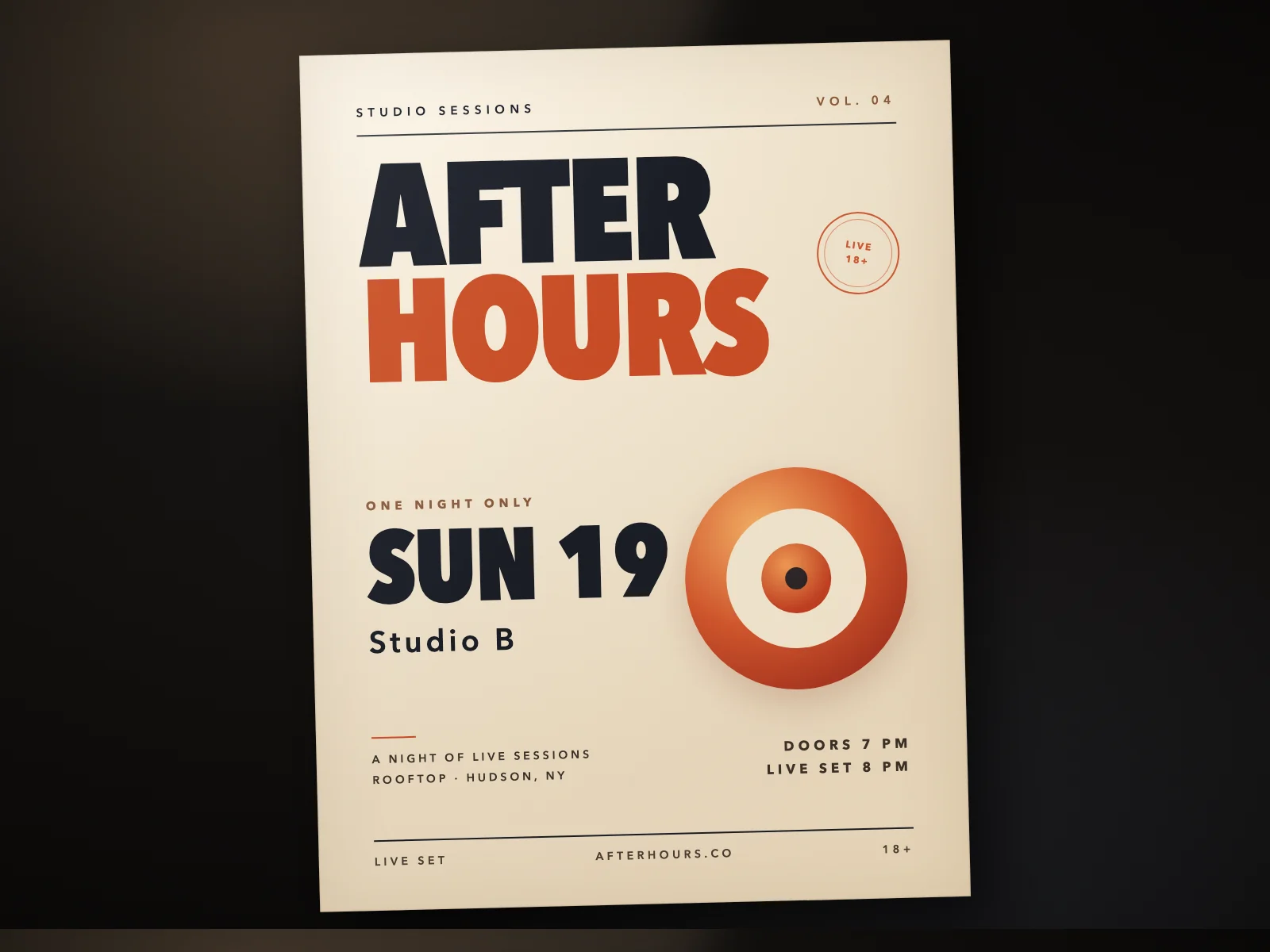
Enter SAT 18 as the original text and SUN 19 as the replacement. Direct replacement applies wherever the original text matches.
Select the venue
Draw a box around Studio A and enter Studio B. Check that the headline, event time, and background graphics still match the original.
Related guides
Before you download
- Compare the edited area with the original at 100% zoom.
- Check nearby prices, dates, and decoration for accidental changes.
- Keep the original file; an edit creates a new download.
Common questions
- Can I edit the image without the source file?
- Yes. Upload the exported JPG, PNG, or WebP and work on the image itself.
- Can I change only one repeated word?
- Yes. Select just that region instead of replacing every match.