Edit text in a product photo
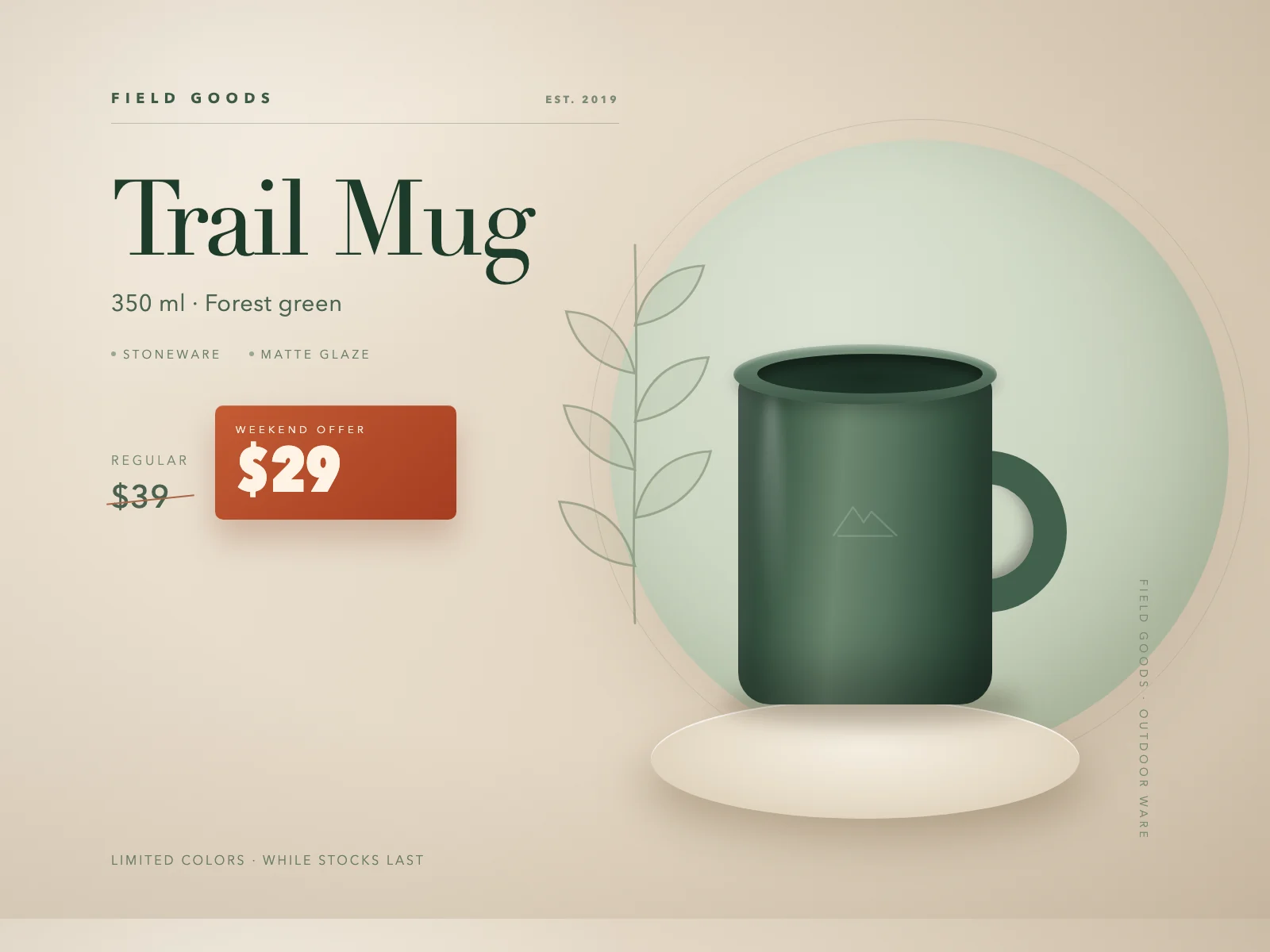
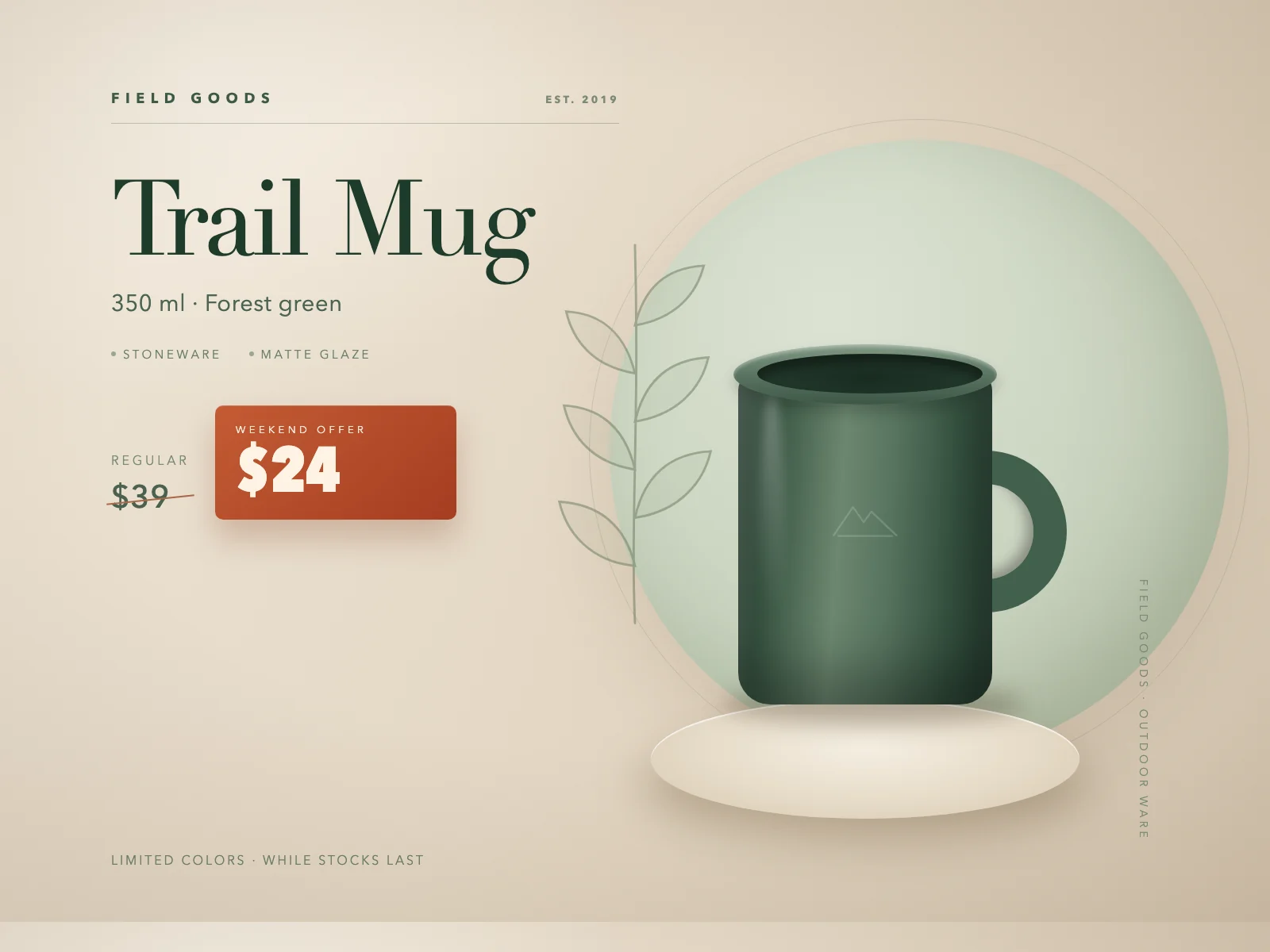
Change the sale price, offer, or specification in a finished product image. Use a region to target one number when several are visible.
How to make the edit
Open the product image
Use the final promotional image that includes the price or spec you need to change.
Mark only the offer price
Box the $29 amount inside the offer badge and enter $24. Leave the $39 regular price outside the selection.
Check every number before publishing
Compare both prices, the specification, and the shape of the offer badge with the original. Download after checking the actual result.
Related guides
Before you download
- Compare the edited area with the original at 100% zoom.
- Check nearby prices, dates, and decoration for accidental changes.
- Keep the original file; an edit creates a new download.
Common questions
- Can I edit the image without the source file?
- Yes. Upload the exported JPG, PNG, or WebP and work on the image itself.
- Can I change only one repeated word?
- Yes. Select just that region instead of replacing every match.